
I audit a lot of work-management setups. monday.com, ClickUp, Asana, and a few others. The tools differ. The problems don't.
Too many boards. Fields nobody fills in. Task conversations happening somewhere else. The same project set up by hand for the fortieth time. Dashboards that look busy and change nothing.
None of those are software problems. Every one of these platforms can run a clean, reliable operation. What's missing is the structure around the tool: an architecture, an owner, and a few rules people actually follow. Without that, the workspace fills up the way a shared drive fills up. Casually, one reasonable decision at a time, until nobody trusts it.
This isn't a comparison piece. This is about the project management tool mistakes that show up after you've chosen a platform, and what to do about them.
Mistake 1: Too many boards
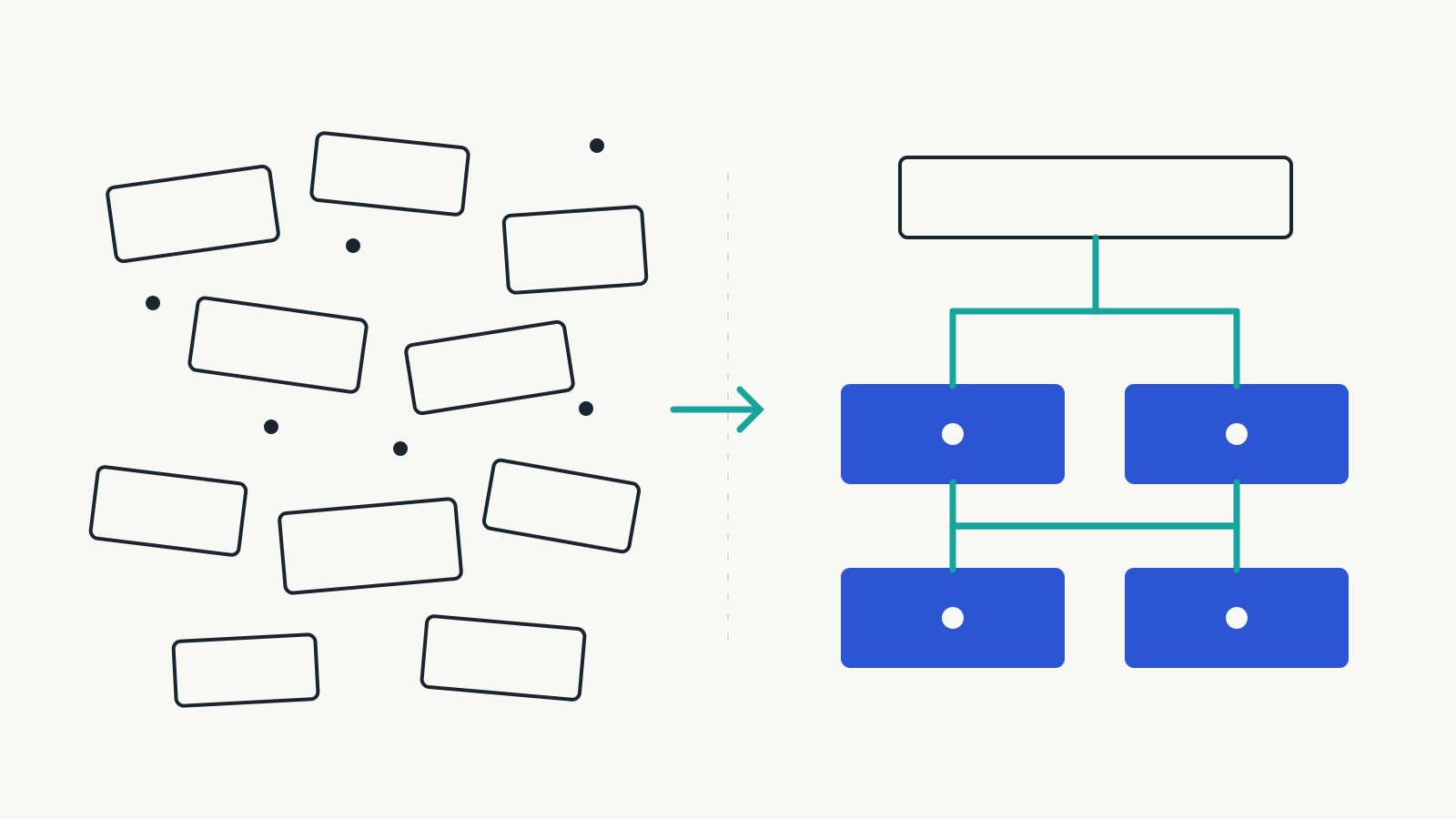
monday.com calls them boards. ClickUp calls them lists. Asana calls them projects. The mistake is the same: people create them the way they'd open a new spreadsheet. Someone needs to track something, so they make a board for it. Then a second one that overlaps the first. Then a v2 because the first got messy.
Six months in, the sidebar has forty boards, nobody knows which one is current, and the same job exists in three places with three different statuses.
The tell is when someone asks for a way to organise the boards. A residential construction client asked us that recently: could we group all the payment boards together? Grouping is fine. The request is still a signal that the workspace has outgrown whatever plan it started with, if it had one. The board audit that followed turned up automations pointing at columns and boards that no longer existed, and a pile of half-built boards from earlier attempts that nobody had archived.
The rule I use is the fewest boards that preserve clarity. One board per process. Not per person, per month, or per mood. If two boards describe the same work at different stages, they're probably one board with a status column. If a board hasn't had an item touched in a quarter, archive it. It will still be there if you're wrong.
Mistake 2: Unused fields
Fields accumulate the same way. Someone wanted to know something once, so a column got added. It got filled in for two weeks. Now it's blank on most items, wrong on the rest, and still there, pushing the columns people actually use off the screen.
An empty field isn't neutral. It looks like data. Someone will eventually filter on it, build a report on it, or make a decision on it, and the decision will be wrong. Blank fields are how a workspace loses its credibility one report at a time.
The fix is subtraction, and it's uncomfortable because every field had a reason once. Keep a field if it does one of two things: it changes a decision, or something downstream requires it. That's it. Might be useful later is not a reason.
When we cleaned up the same client's project board, we removed stages nobody used, collapsed a request-type field to four options, and dropped a tracker dashboard nobody was using. Then we added one column: how many days a permit has been sitting in review. That column answers a question someone actually asks. The ones we removed didn't answer anything.
And if a field is required, make the form refuse to submit without it. We had a finance board where payment requests could go in without a job address. Every one of those is a question finance has to go and ask. A required field that isn't enforced is a suggestion.
Mistake 3: Task conversations outside the tool
The task is on the board. The conversation about the task is in Slack, Teams, WhatsApp, a text thread, or someone's inbox. So the board says In progress and the truth is in a chat nobody can search three weeks later.
This is the mistake that quietly kills the system, because it separates the record from the reality. Managers stop trusting the status and start asking people directly, which is the exact behaviour the tool was bought to remove.
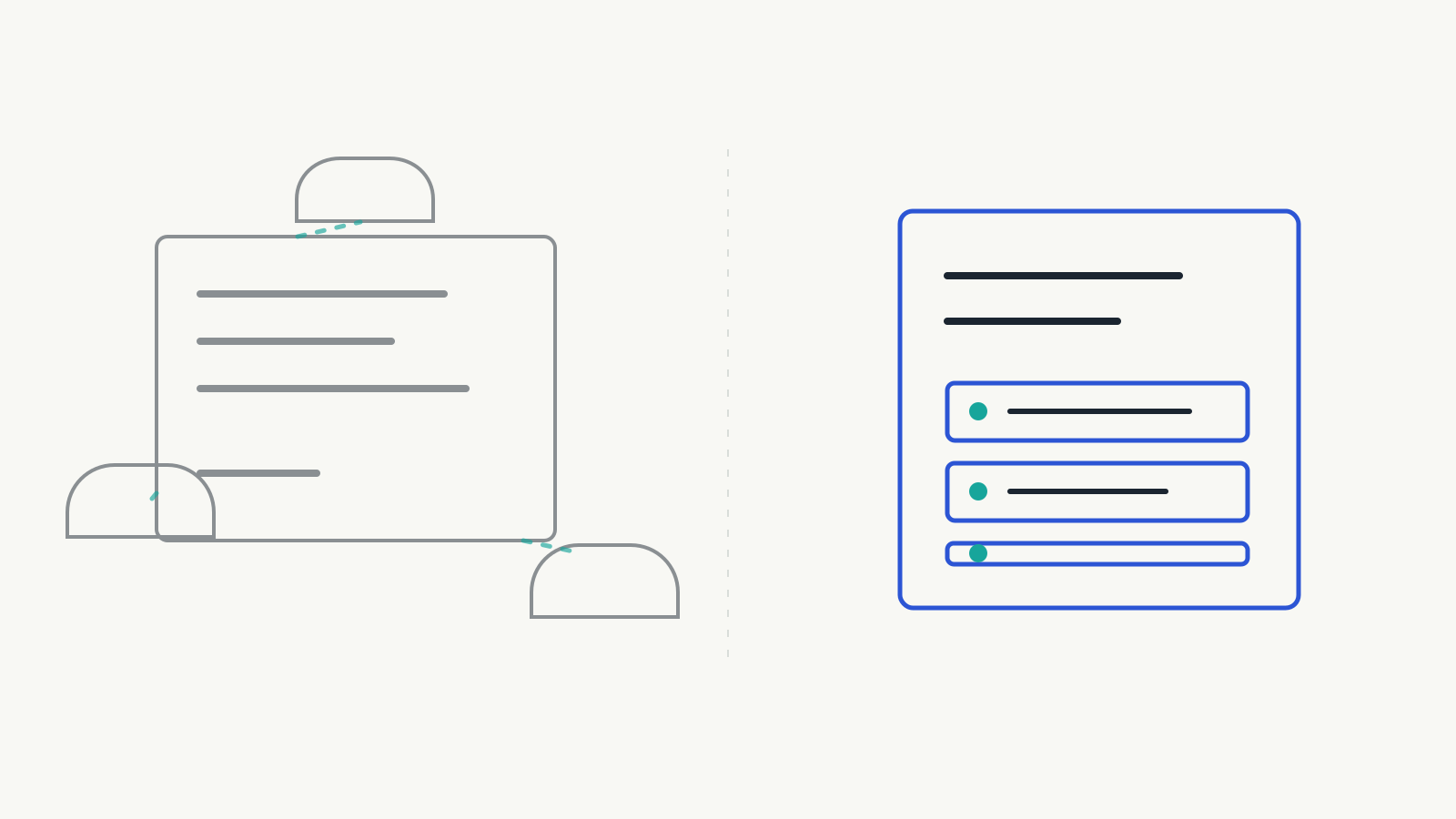
Put the context with the task. Updates, decisions, files, the client's reply, and the reason the deadline moved. All of it belongs on the item. Chat is for the quick question. The answer goes on the task. That's a rule, not a preference, and it has to be said out loud and enforced for the first month, because chat is faster in the moment and the board only pays off later.
A sales team I worked with tracked leads on cards with no activity history. A lead's stage told you where it was and nothing about how it got there or who spoke last. We rebuilt it as a CRM where calls, emails, and notes sit on the deal. The stage stopped being a claim and became a record.
Mistake 4: Recurring work done by hand
Every business has work that repeats. The same project setup. The same ten-step onboarding. The same site-prep bookings a week before every job starts. In most workspaces I audit, someone builds that from memory every time, slightly differently.
That's three problems at once. It eats time. It drifts, because steps get missed depending on who's doing it and how busy the week is. And it's invisible, because nothing in the system says the step was supposed to happen.
Template it, then automate it. monday.com, ClickUp, and Asana all have templates, and all three can create and assign work from a trigger. The mechanics vary. The discipline doesn't: if a piece of work happens the same way more than a few times, it should exist as a template, and if the trigger is predictable, the system should create it.
The construction client had a clear one. A week before a project starts, the status should move to pre-construction, the project manager and the office should be alerted, and someone needs to book the portable restrooms, fencing, and dumpster. Three bookings were being remembered. That belongs in a milestone template for each project type, with reminders keyed to the start date, so the system raises it and nobody has to. Nobody having to remember is the whole point of workflow automation.
For construction teams, explore Blackwing Construction for help connecting project workflows and software.
Mistake 5: Dashboards that don't support a decision
Every platform makes it easy to build a dashboard, so people build a lot of them. Charts for things that are countable rather than things that matter. Then the dashboards get looked at in the first week and never again, because nothing on them changes what anyone does on Monday morning.
A dashboard is a decision-support tool. Start from the decision. Who looks at this, when, and what do they do differently because of it? If you can't answer that, you don't have a dashboard. You have wallpaper.
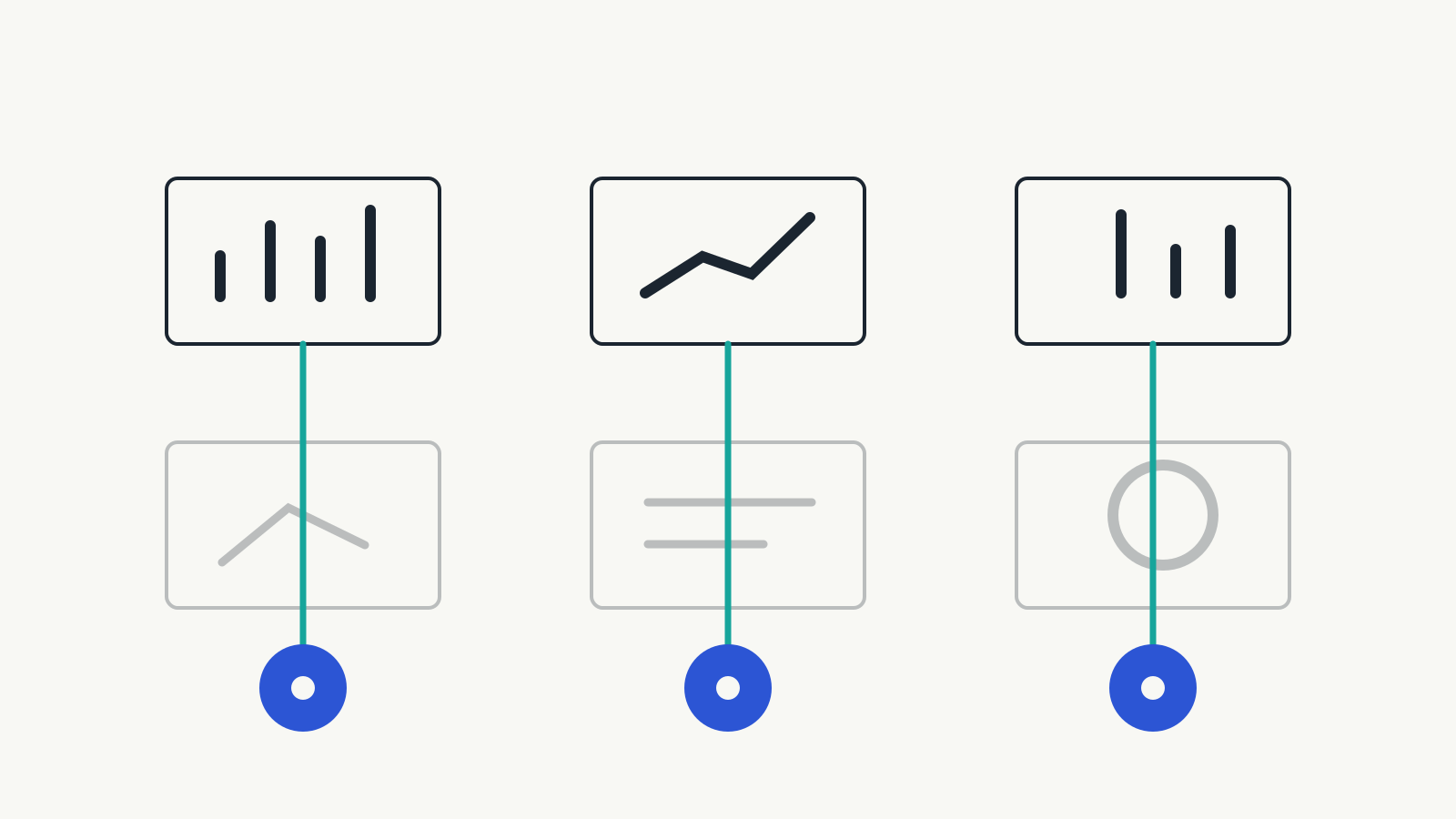
The owners of the construction business had one generic dashboard and a habit of asking ad-hoc questions. What they needed was a weekly view of three things: pipeline, project health, and cash position. And one exception alert: flag any project where the total contract amount doesn't match the sum of the stage payments. That alert forces a decision every time it fires. The generic dashboard never did.
Build one dashboard per role, around what that person has to decide this week. Prefer exceptions over totals.
The thread through all five: nobody owns the workspace
Every mistake above is a symptom of the same gap. Nobody owns the structure. There's an admin login, sure. But nobody is responsible for saying no to a new board, retiring a dead field, or checking that the automations still point at columns that exist.
Governance sounds heavy. In practice, it is a short list.
- One named owner of the workspace.
- A rule for who can create a board and how it gets named.
- A quarterly cleanup.
- A written how-we-use-this guide that fits on one page.
- Every automation and integration running under a company account, not someone's personal login.
We've found integrations authorised under an employee's personal account. It's fine until that person leaves.
Adoption is mostly downstream of this. People use a system they can trust, and they can trust a system someone maintains. If your tool was set up well and the team still drifted away from it, that's a different problem.
Where this doesn't apply
If you're five people on one board, none of this matters yet. Don't build governance for a workspace that doesn't need it.
And if the process itself is undefined, if two project managers would describe the same job differently, no amount of board cleanup fixes that. Map the process first. The tool is downstream.
If you want a second pair of eyes
We do this as a fixed piece of work. A workspace audit of what you have. An implementation review before you roll out. A governance reset when the first attempt has sprawled. In every case, we'll tell you what to delete before we tell you what to build.
Until then, one question is worth asking this week: who in your company is allowed to say no to a new board?
Frequently asked questions
What are the most common project management tool mistakes?
The most common mistakes are creating too many boards, keeping fields nobody uses, discussing task decisions outside the tool, rebuilding recurring work manually, and creating dashboards that do not support a decision. These are usually structural problems rather than software limitations.
How many project boards should a company have?
Use the fewest boards that preserve clarity. Each board should support a distinct process with a clear owner, and the same work should not plausibly live in multiple places. If people have to search for the current board, the workspace probably has too many.
When should recurring work be automated?
Start by templating work that repeats more than a few times. Automate it when the trigger is predictable, such as a project start date, status change, form submission, or recurring schedule. The goal is to remove reliance on memory without making the workflow unnecessarily complex.
Who should own project management governance?
One named person should own workspace governance, usually an operations lead or a founder in a smaller company. That person approves new boards and fields, runs regular cleanup, and makes sure automations and integrations still point to the right parts of the system.